
Your website. A new foundation.
Move content, media, structure, URLs and metadata into a manageable website. Keep the design you value or develop a new one, with checks before switching.

Preserve what matters in your project.
Start with the source CMS, the amount of data and the ways the site is used. Preparation tools exist for MODX, WordPress and Tilda; custom data and integrations require a separate assessment. Map the material to structured CMS content rather than flattening it into fixed pages.
-
Content
Map pages, articles and other entries to the new content model.
-
Media
Transfer images and documents into the library and check availability.
-
URLs
Map old and new addresses; plan redirects where a URL changes.
-
Metadata
Check search titles, descriptions and canonical URLs on the target pages.

Review every stage of the migration.
-
01
Audit
Inspect the source CMS, data, structure and integrations.
-
02
Map
Agree the content model, URLs and treatment of custom data.
-
03
Prepare
Move material and assemble the theme and forms in a separate environment.
-
04
Verify
Check pages, media, links, metadata and responsive behavior.
-
05
Switch
Plan the cutover after acceptance and infrastructure readiness.
Keep the design or create a new one.
Rebuild the theme around the existing design or develop a fresh direction. Content migration and visual work are separate parts of the plan. Afterwards, the material remains editable in the CMS and agents can help with ongoing work.

Architecture with its own character. 
A distinct fashion language. 
A hotel’s own atmosphere. 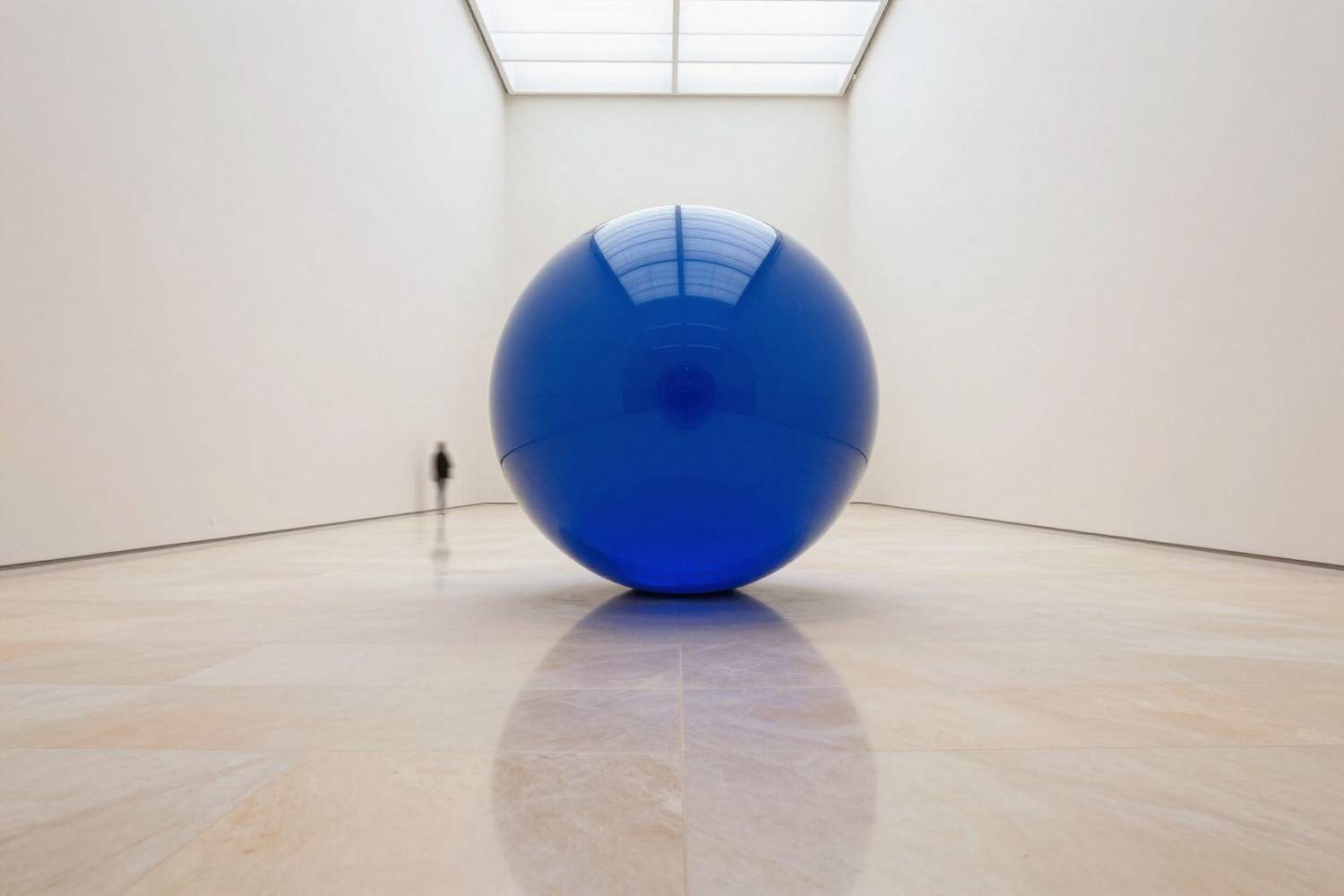
An expressive cultural website.


Discuss your migration.
Show us the site. We can make a plan.
Send the URL, source CMS and what needs to be preserved: sections, design, forms, integrations and important search URLs. An audit establishes the scope and acceptance criteria. Changed URLs need a redirect plan; no migration can promise unchanged search rankings.
Continue exploring
-
Migration checklist
Read the checklist
What to collect and verify before cutover.
Questions and answers
Will every old URL stay the same?
We map addresses and check important pages. Where an address changes, redirects need to be planned explicitly. The exact scheme depends on the source site.
Is the design transferred automatically?
Content transfer and theme development are separate tasks. Agree whether to preserve the old design or create a new one.
When does the live site switch?
After the new pages, media, forms, links and search settings have been checked and accepted. The cutover plan is specific to your project.