
Build websites with AI agents.
Learn on a real project: bespoke themes, structured content, useful agent tasks, review and publication. A practical workflow for designers, developers, studios and website teams.

Learn the whole process on your own project.
Turn an idea or design into a working website: model the content, develop the theme, brief an agent and review the result. Connect design, development and editorial work in one CMS.
Practice with a configured tool such as Codex, Claude Code or OpenCode. Learn to give concrete tasks and feedback, then check the work. Explore the agent workflow.
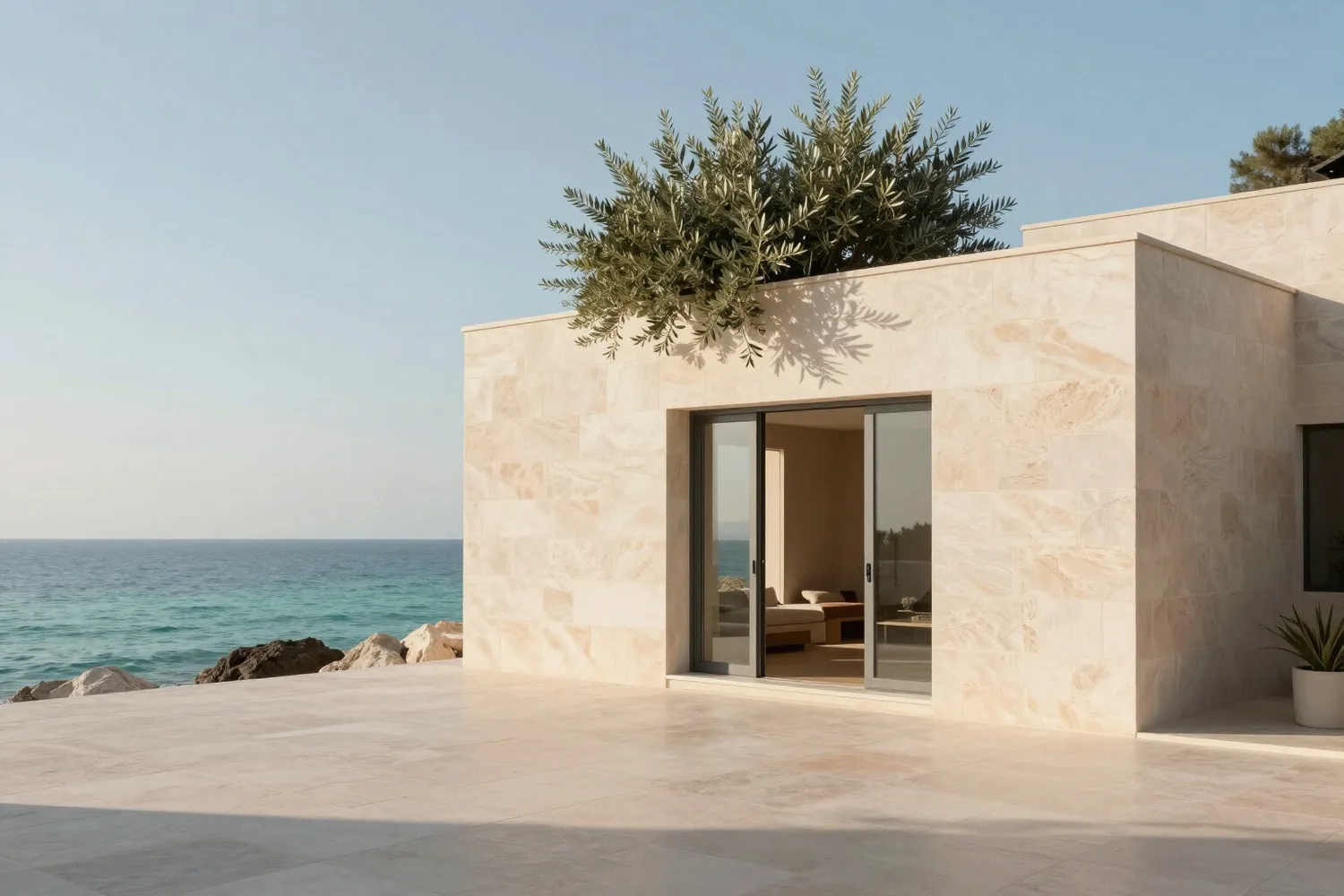
Architecture with its own character. 
A distinct fashion language. 
A hotel’s own atmosphere. 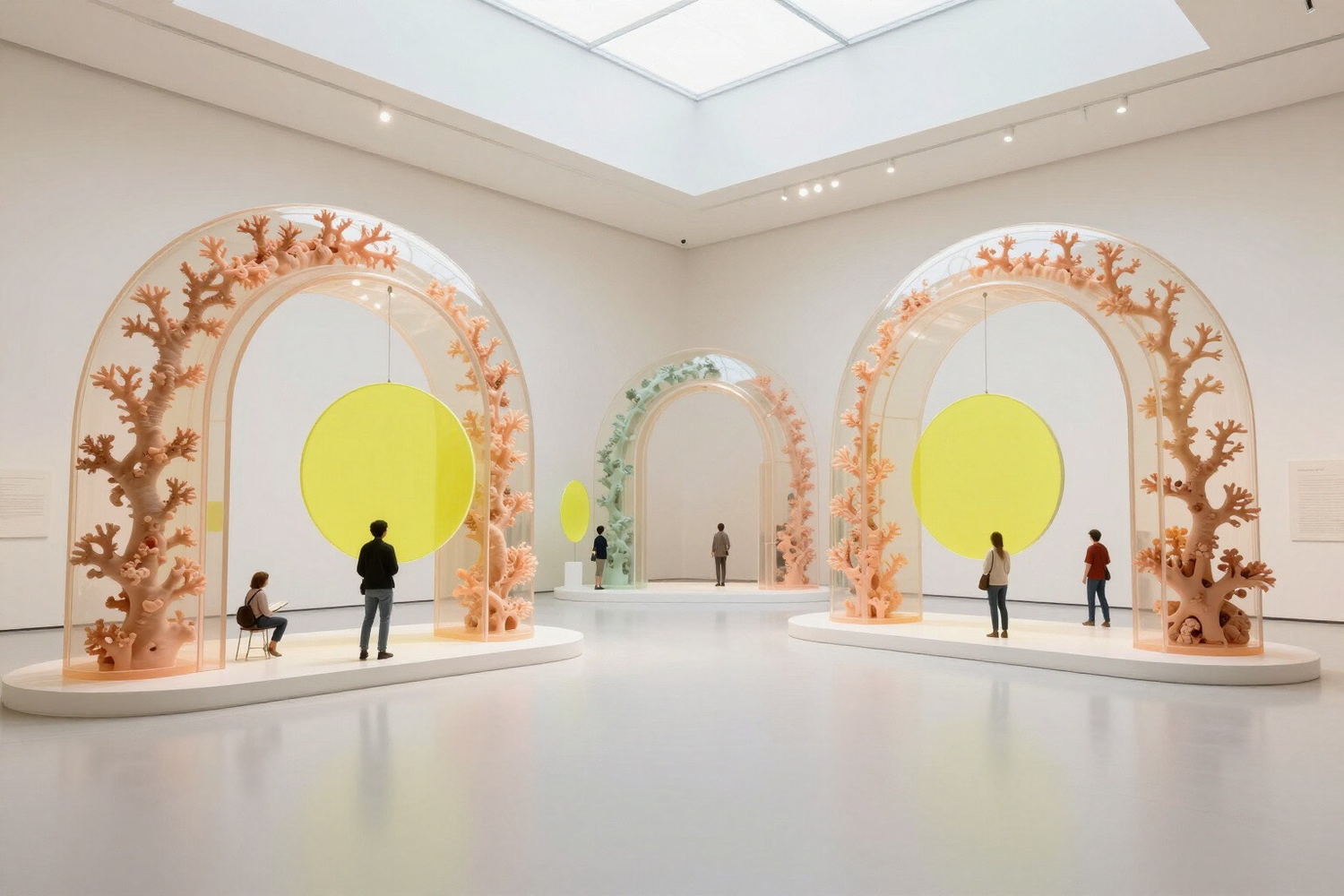
An expressive cultural website.


From an idea to an independent release.
-
01
Content architecture
Sections, entry types, fields and repeatable blocks.
-
02
Theme
Templates, components, typography, responsive behavior and motion.
-
03
Working content
Pages, media, search metadata, forms and navigation.
-
04
Agent workflow
Briefs, permissions, tasks and acceptance of results.
-
05
Publication
Validation, preview, release and ongoing teamwork.
A workflow for each role.
-
Designers and studios
Visual freedom, themes and the relationship to content.
-
Developers
Templates, components and automation contracts.
-
Editors and SEO teams
Content, metadata and the publication cycle.
-
Owners
Access permissions and control of changes.


You direct and accept the result. 
The agent helps prepare the work. 
Teams keep the site developing.


Learn the CMS and the workflow.
Training shaped around your experience.
Tell us who will take part and what kinds of websites you want to build. Practical tasks can cover bespoke design, theme development, content migration or agent workflows. Format, curriculum and cost depend on the agreed program.
Continue exploring
-
A CMS for AI agents
Read the article
How structured tools support professional website work.
-
Agent workflow
Explore
From a task to a reviewed website.
Questions and answers
Do I need programming experience?
Not for content editing or describing tasks to an agent. Theme development and advanced work are taught separately, according to your role.
Can a whole studio take part?
Yes. Training can cover team roles and a shared process for design, content, review and publication.
What will we do in practice?
Work with real pages and images, brief an agent, check the result and edit the website in the admin.